Your events.
Your next move.
Keep the releases that matter to you in view. TraderCue combines a personalized market calendar, automatic schedule updates and push reminders across iPhone, iPad and Apple Watch.
iPhone · iPad · Apple WatchNow available on the App Store.


A clear view of your market calendar.
Actual app screens showing example dates and selections. Tap a screenshot to view it full size.
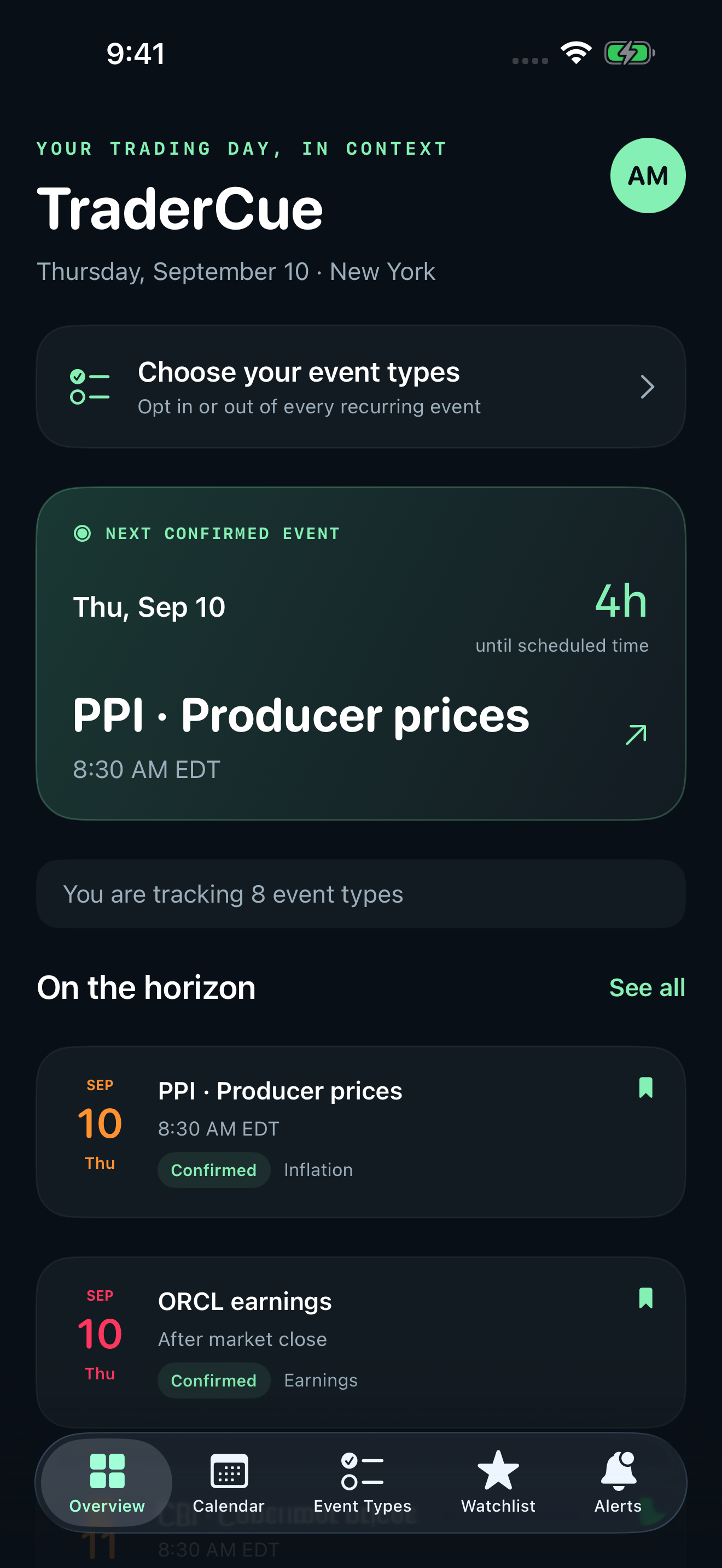
See what comes next
Your next confirmed release and the events on your horizon.
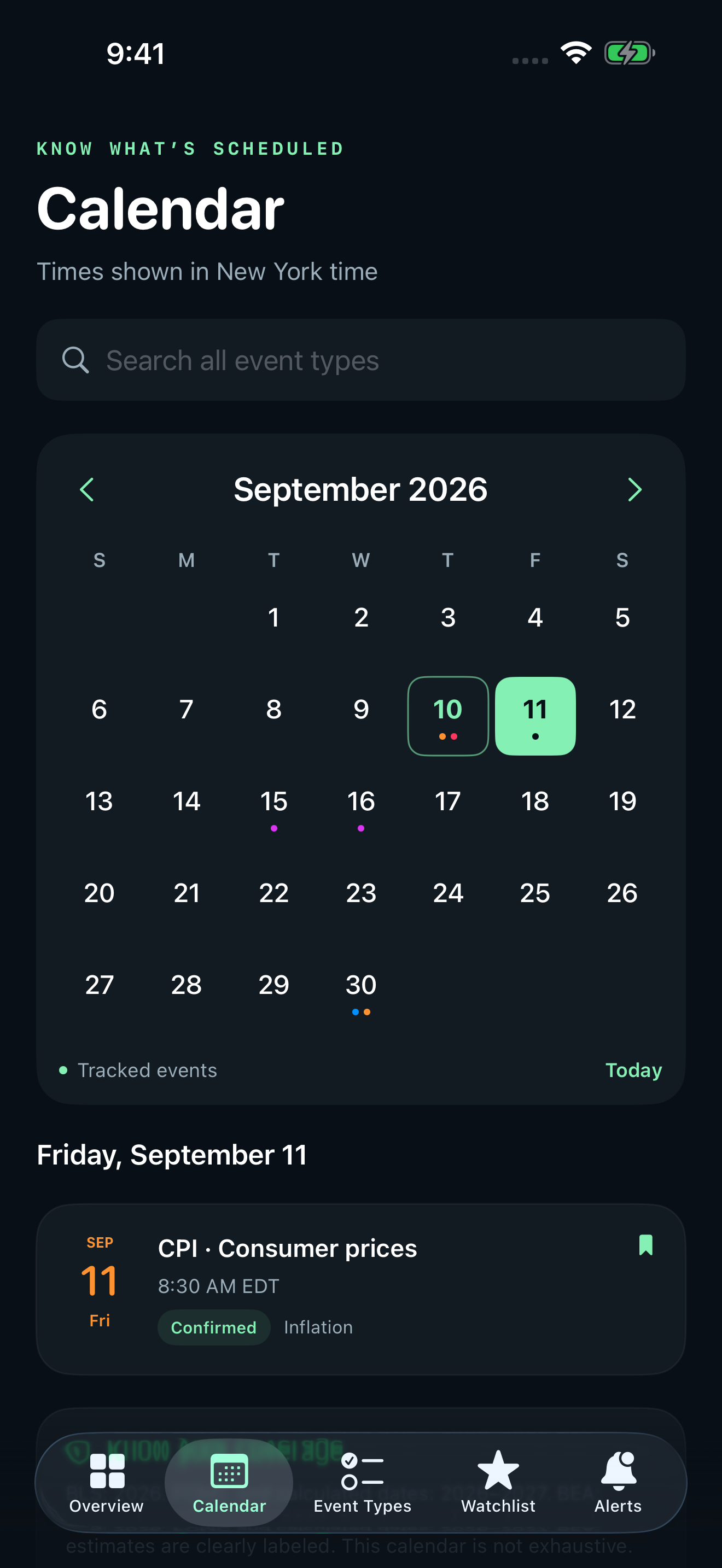
Plan around the calendar
A month-by-month view with dates, times and event status.
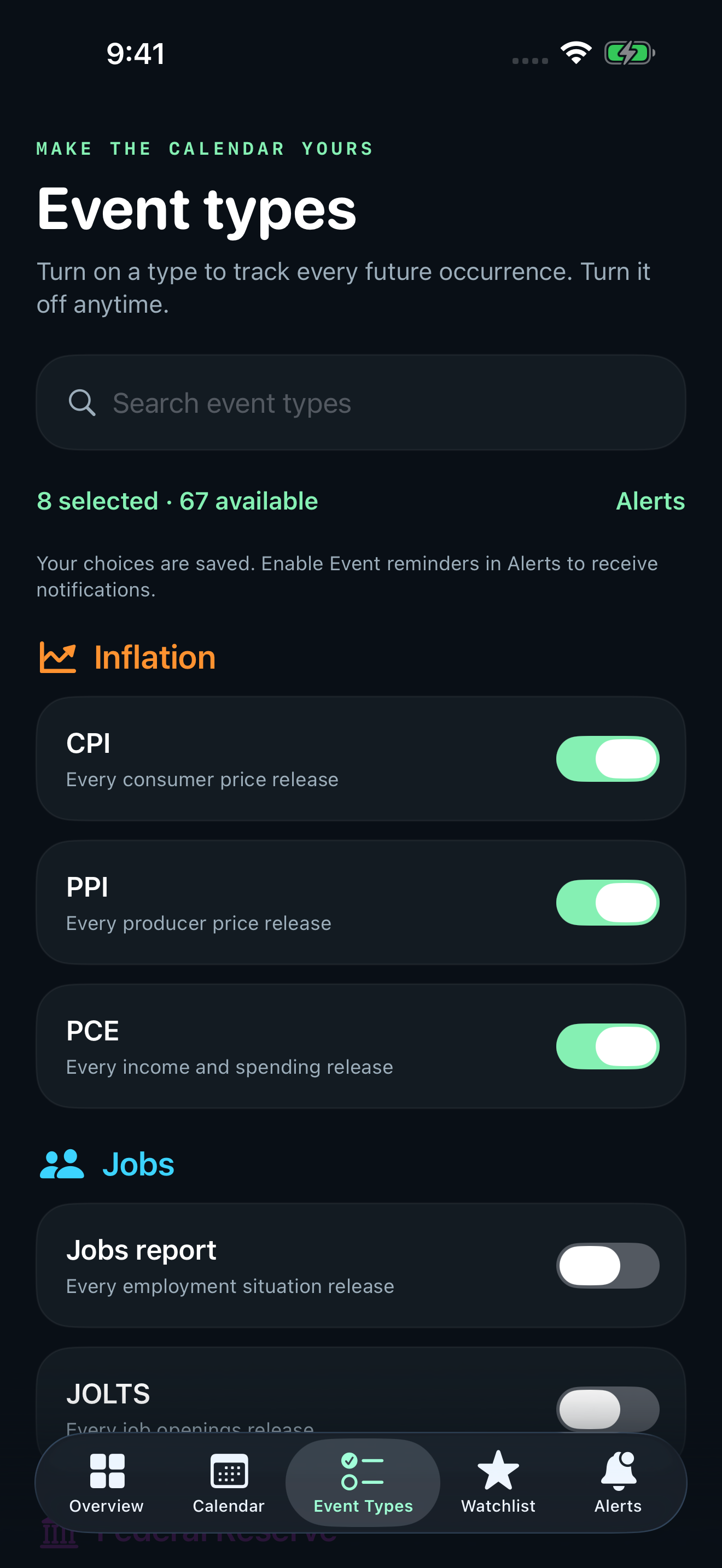
Make it yours
Choose recurring topics once and adjust your selections anytime.
Follow once.
Choose your events and companies. Track every future occurrence.
Timely push alerts.
Get reminders before the events you follow, with your choice of lead time.
Sync your settings.
An optional account keeps your iPhone and iPad preferences in sync.
Always refreshing.
Schedules update automatically. Refresh manually whenever you need.
Clear timing.
See confirmed and estimated dates, sources, and before- or after-bell earnings.
No account required.
Start with local settings. Sign in only when you want cross-device syncing.
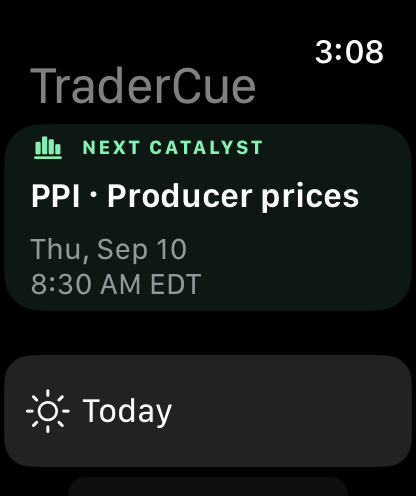
Your next catalyst.
Right on your wrist.
See what’s next, today and on the horizon.
Economic releases. Policy decisions. Company catalysts.
Track inflation and employment releases, FOMC decisions and minutes, the Beige Book, retail sales, GDP, ISM manufacturing and services, Treasury auctions, oil inventories, options expirations and selected company earnings. Available event types depend on your app version.
Schedules link to their sources, including the Bureau of Labor Statistics, Federal Reserve, Census Bureau and other publishing agencies. Earnings estimates are labeled separately from confirmed dates. Schedules can change; consult the linked source for important decisions.
Start without an account.
No sign-in is required to use TraderCue. Create an account only if you want to save and sync your settings between devices. Email verification and password recovery are available.
Clear membership.
Try TraderCue free for 30 days. Continued access is available through a $4.99 monthly Apple subscription in the United States or a valid promotional code. Subscriptions renew automatically until canceled in your Apple subscription settings.
Focused on preparation.
No brokerage connection, trade execution or advertising. TraderCue helps you plan around scheduled events; it does not provide investment recommendations or guarantee notification delivery.
Support you can reach.
Learn how to choose events, manage reminders and use your account in the app guide and support page. Read our privacy policy and terms and conditions for details about data and membership.