
Make sense of the wind
Crosswind, headwind, tailwind and gust components. Solve the wind triangle for true heading and groundspeed.
The calculations you reach for before a flight, with dedicated keys that put them right at your fingertips.
30 days free · Then $9.99 once (USD) · No subscription
Available now on the App Store for iPhone, iPad and Mac
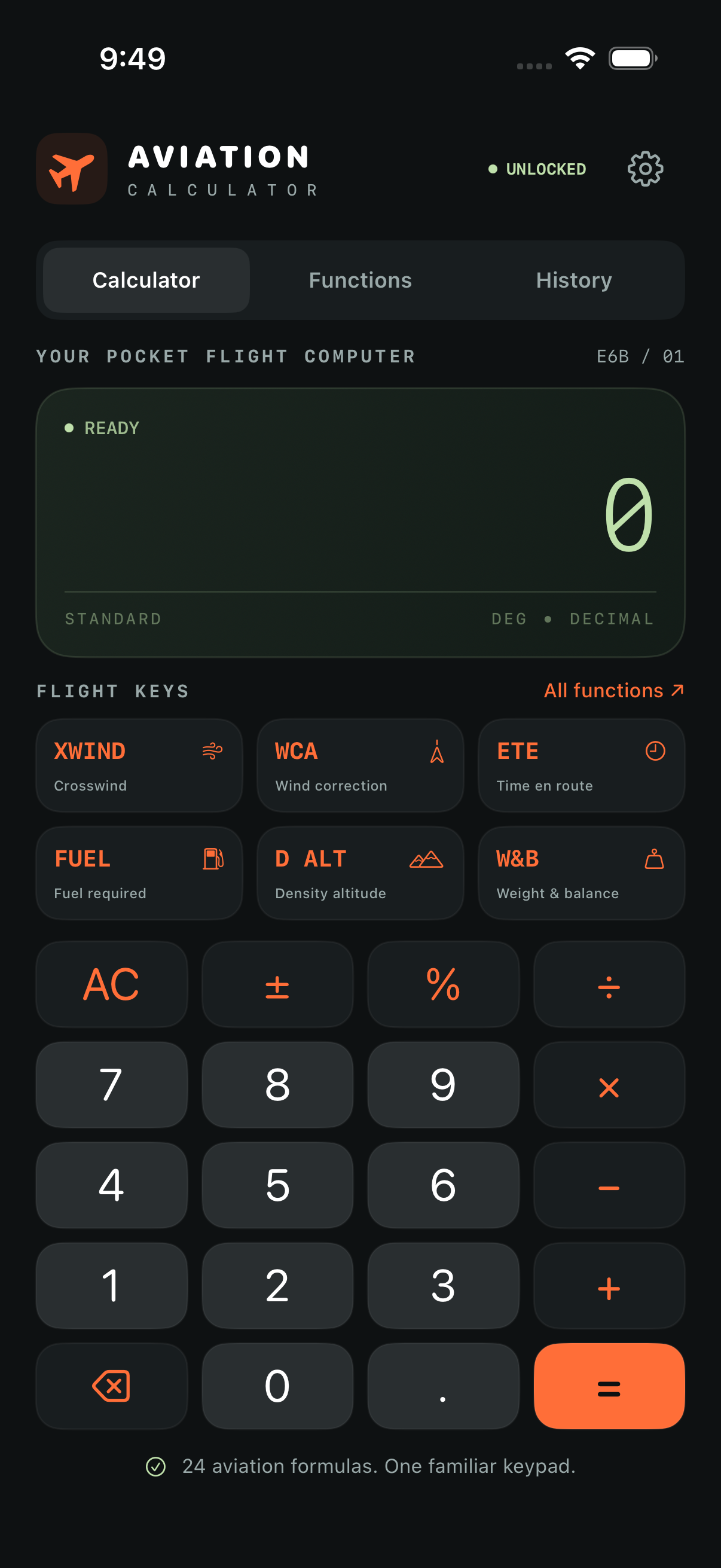
Activate the free 30-day Trial through Apple to explore all flight tools. Your trial starts when you activate it, with no automatic charge.
After 30 days, a one-time purchase is required to continue calculating. Saved results remain available. No subscription. US price is $9.99; local App Store pricing may vary.
Crosswind, headwind, tailwind and gust components. Solve the wind triangle for true heading and groundspeed.
Time, speed and distance at a tap, plus heading conversion and off-course corrections.
Trip fuel, start and taxi allowances, a reserve you choose, and endurance before that reserve.
Altitude estimates, airspeed conversion, descent planning, vertical paths and climb gradients.
An editable loading worksheet and a bidirectional converter for distance, speed, fuel volume, weight, pressure, temperature and time.
Point of no return, equal-time point, chart interpolation, turn performance and still-air glide range.
Save loading stations, weight limits and CG envelope points from your aircraft documents. Check ramp, takeoff, landing and zero-fuel conditions, including planned taxi and trip fuel burn.
Explore direct, parallel and teardrop entries for left or right turns. Colored sectors and a slowly repeating aircraft animation show the arrival, entry and holding circuit. Pause, replay or switch between 3D and top views.
A still-air training schematic. Distances and turn radii are illustrative.
Compare Zulu/UTC, device local time and a selected time zone with clearly labeled dates and offsets. Use a stopwatch, set a countdown, or add and subtract flight durations.
Convert calibrated and true airspeed with a subsonic compressibility model, calculate Mach and equivalent airspeed, and derive wind from observed heading, true airspeed, track and groundspeed.
The calculator adapts to smaller screens and windows so you can see every key without scrolling. Numeric fields open numeric keyboards with a Done control. Mac navigation buttons respond across their full area.
Aircraft profiles, holding guidance and clocks and timers have their own Tools tab, alongside Calculator, Functions and History. Wide Mac windows keep the function library beside your calculations.
Choose speed and fuel units on the Settings page. Wind, airspeed, groundspeed, fuel flow and fuel quantities adapt automatically. Current inputs convert when you change a setting, and saved results keep their original units. Choose 0–6 decimal places, with 2 by default. Display rounding preserves the underlying calculation values.
Distances stay clearly labeled in nautical miles. Gallons are US gallons, and the loading worksheet uses pounds and inches.
Use Time En Route, Fuel Required, Crosswind, Density Altitude and Top of Descent in Shortcuts. Open the app first to activate your trial or restore permanent access.
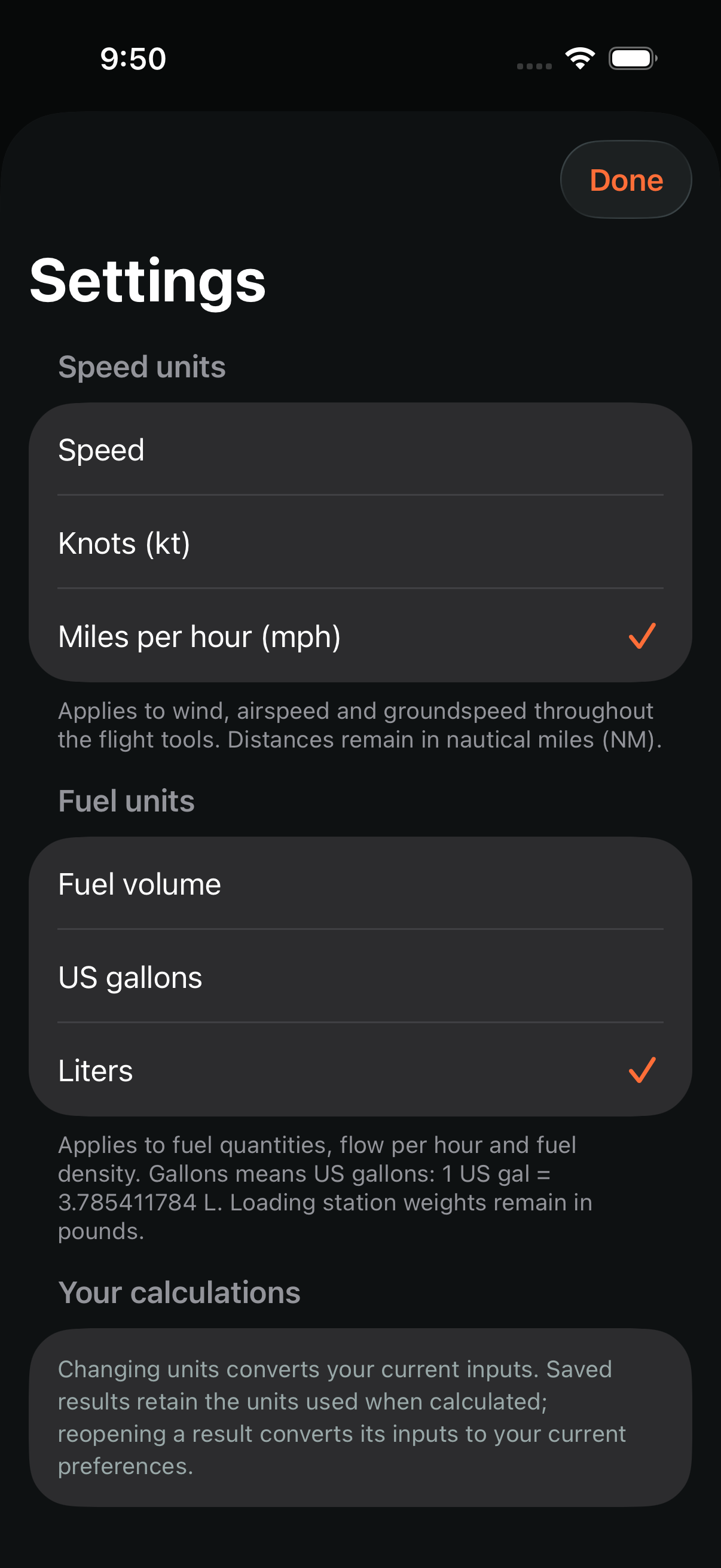
Every aviation function includes units, a worked example, the formula and practical assumptions. Save your favorites and revisit calculation history on your device.
A compact flight computer on iPhone, with the function library alongside your work on iPad and Mac. The dedicated macOS app supports Apple silicon and Intel Macs running macOS 14 or later, with keyboard input, a searchable sidebar and native Settings and Flight menus. No developer account, ads or tracking. Internet and an Apple Account are needed to activate the trial, buy or restore; calculations work offline during the trial or after unlocking.
A planning and training aid. Verify results with approved aircraft documents and current conditions. Approximate tools are labeled; aircraft performance charts and approved loading envelopes are not supplied.